Wada Digital Lab Blog
Mac Tricks
Everyday problems on the Mac, and what we found when we looked into them. The blog of Wada Digital Lab.
27 articles · Last updated October 22, 2026

Latest articles
-
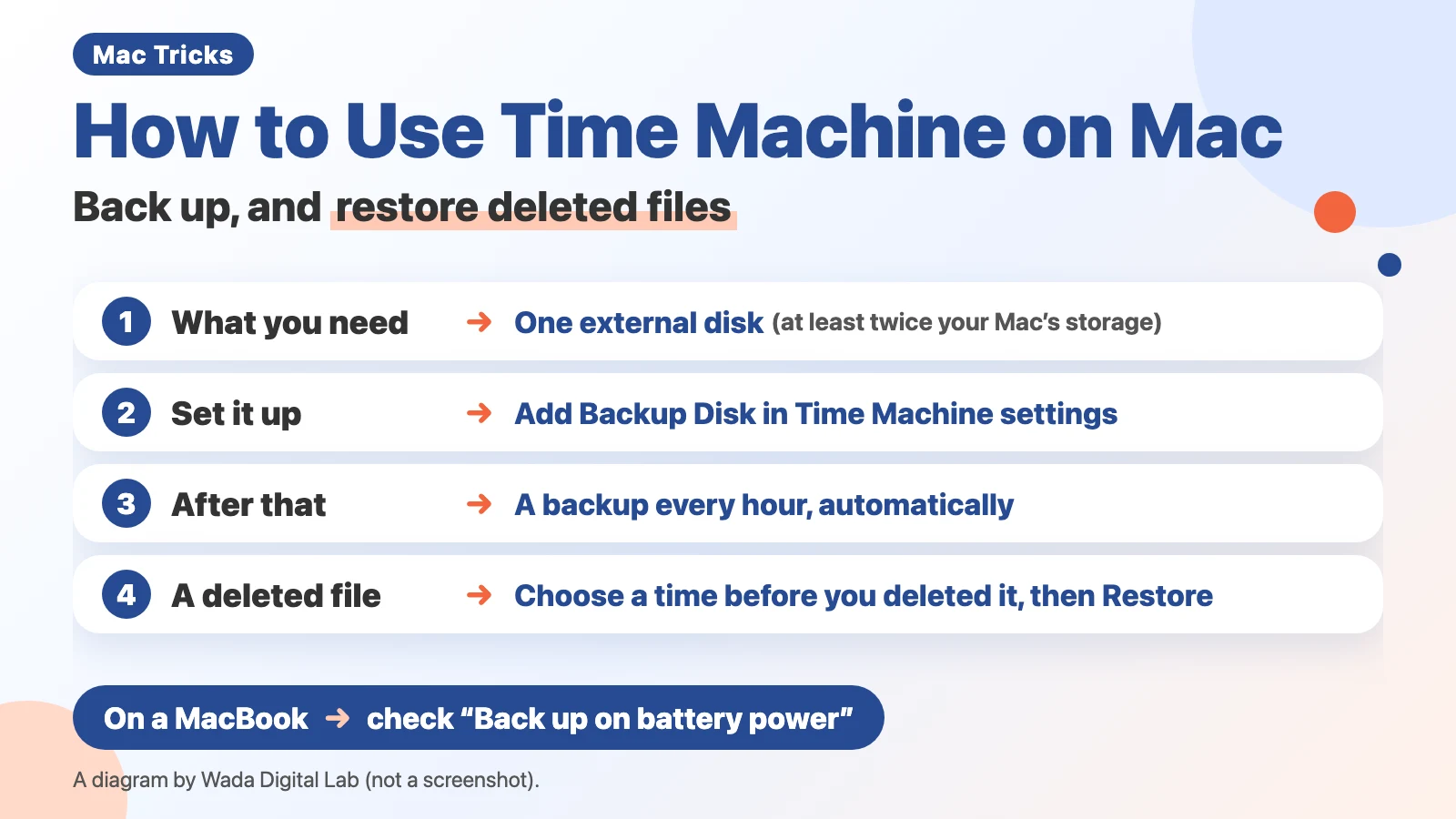 How to Use Time Machine on Mac — Back Up and Restore Deleted Files
-
 How to Make Text Bigger on a Mac — Everything on the Screen, Certain Apps, and Shortcuts
-
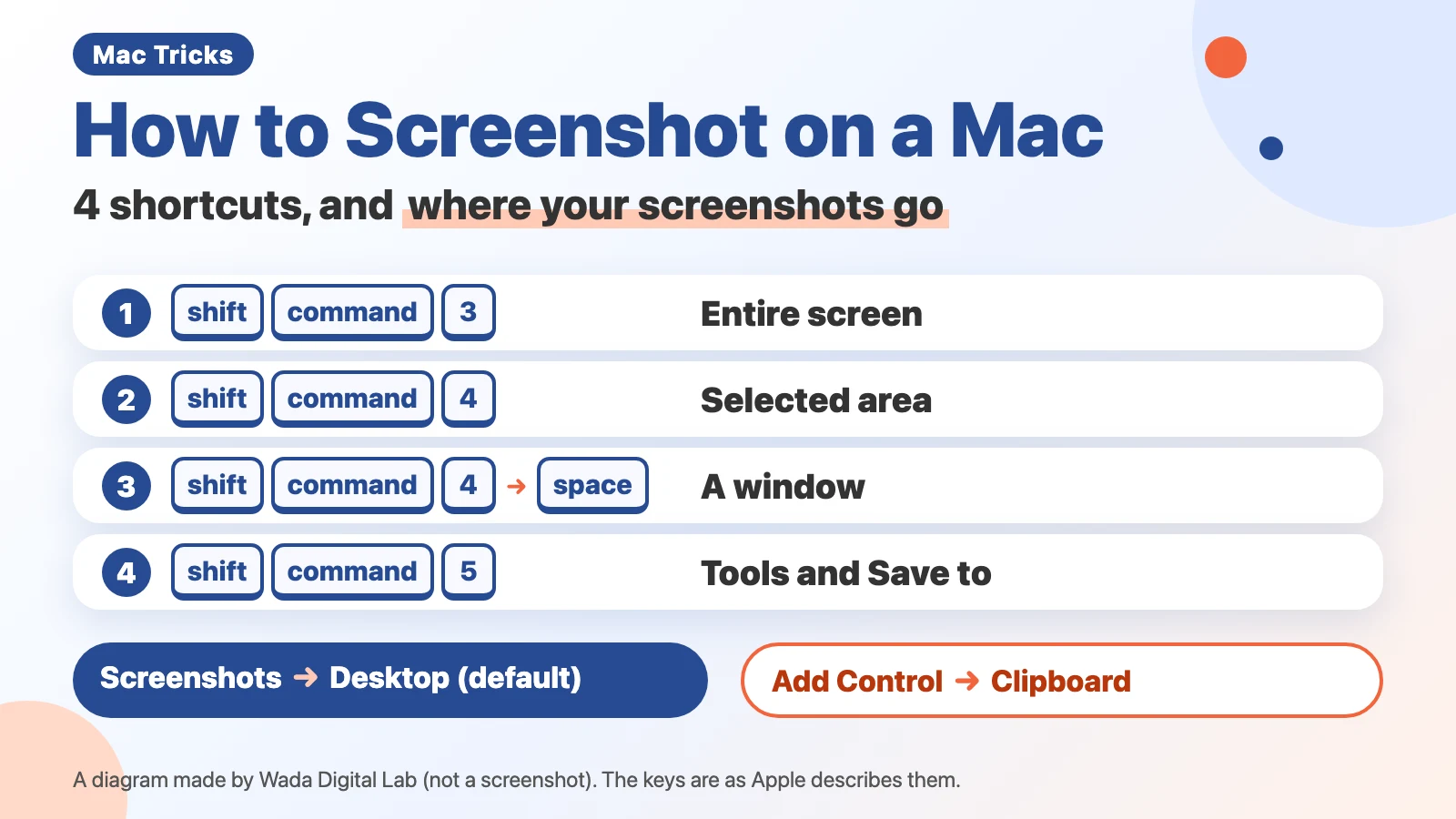 How to Screenshot on a Mac — 4 Keyboard Shortcuts and Where Your Screenshots Go
-
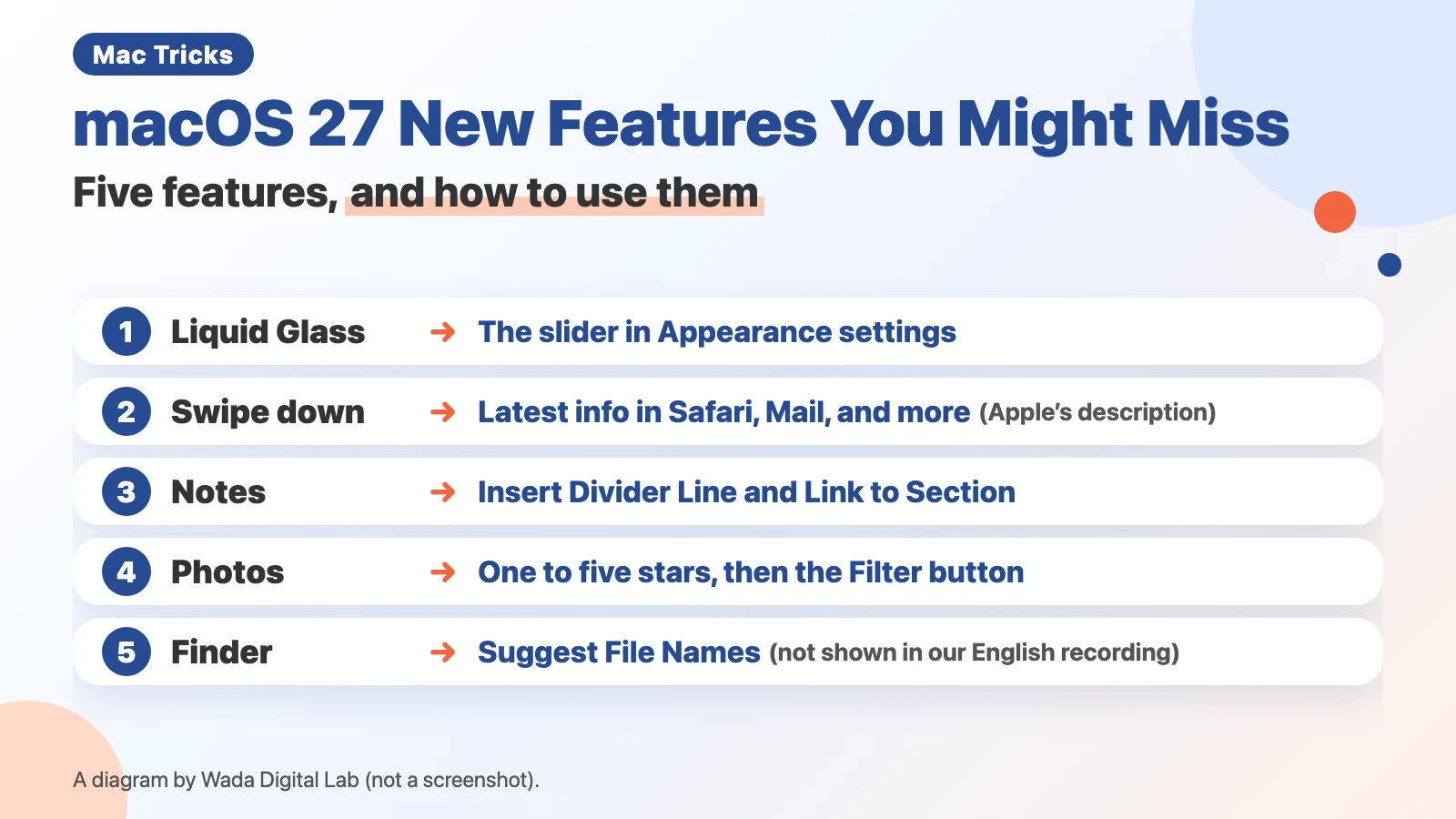 macOS 27 New Features You Might Miss — The Liquid Glass Slider, Notes Dividers, and Photo Ratings
-
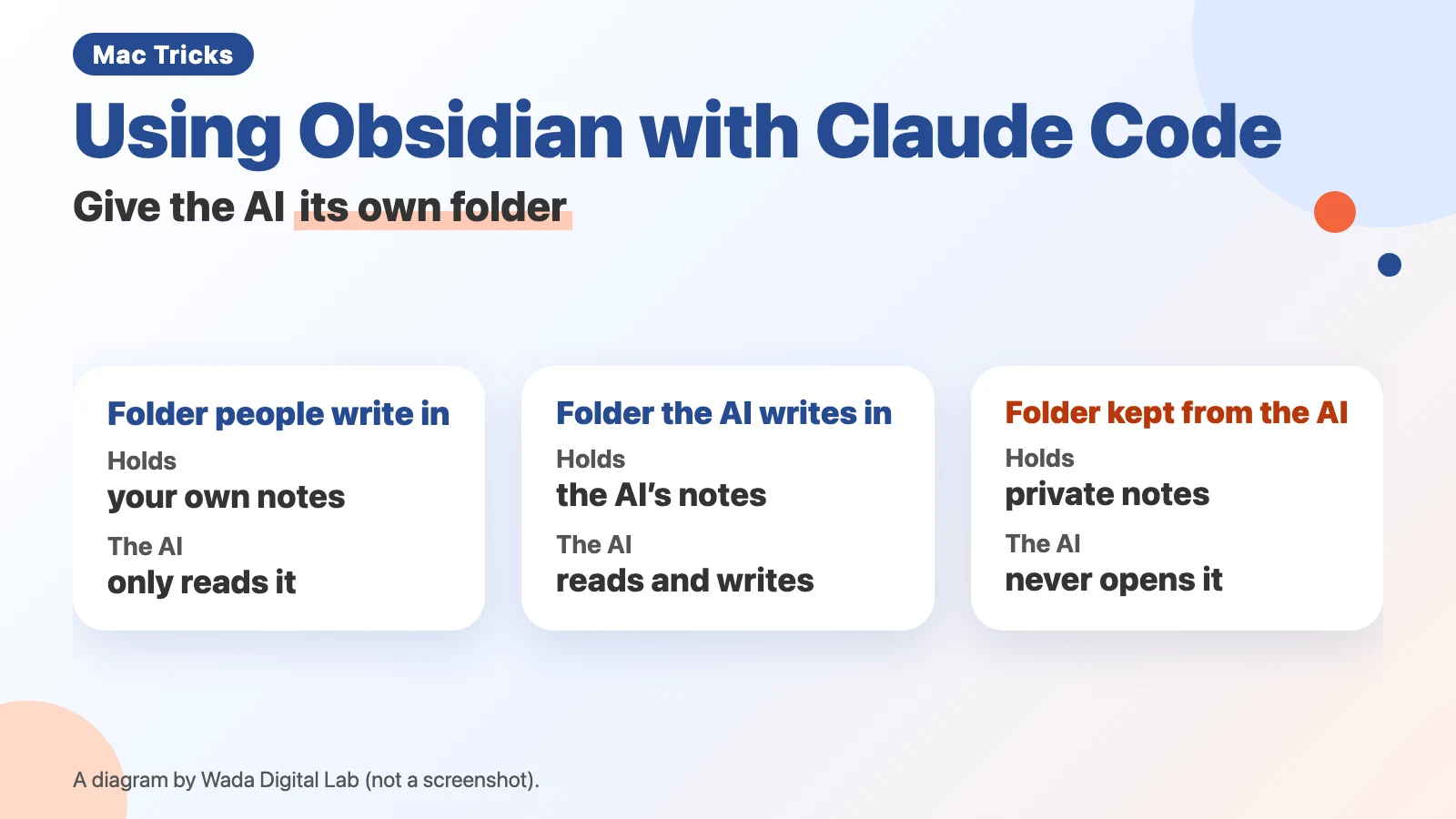 Using Obsidian with Claude Code — three rules from two and a half months of letting AI write our notes
-
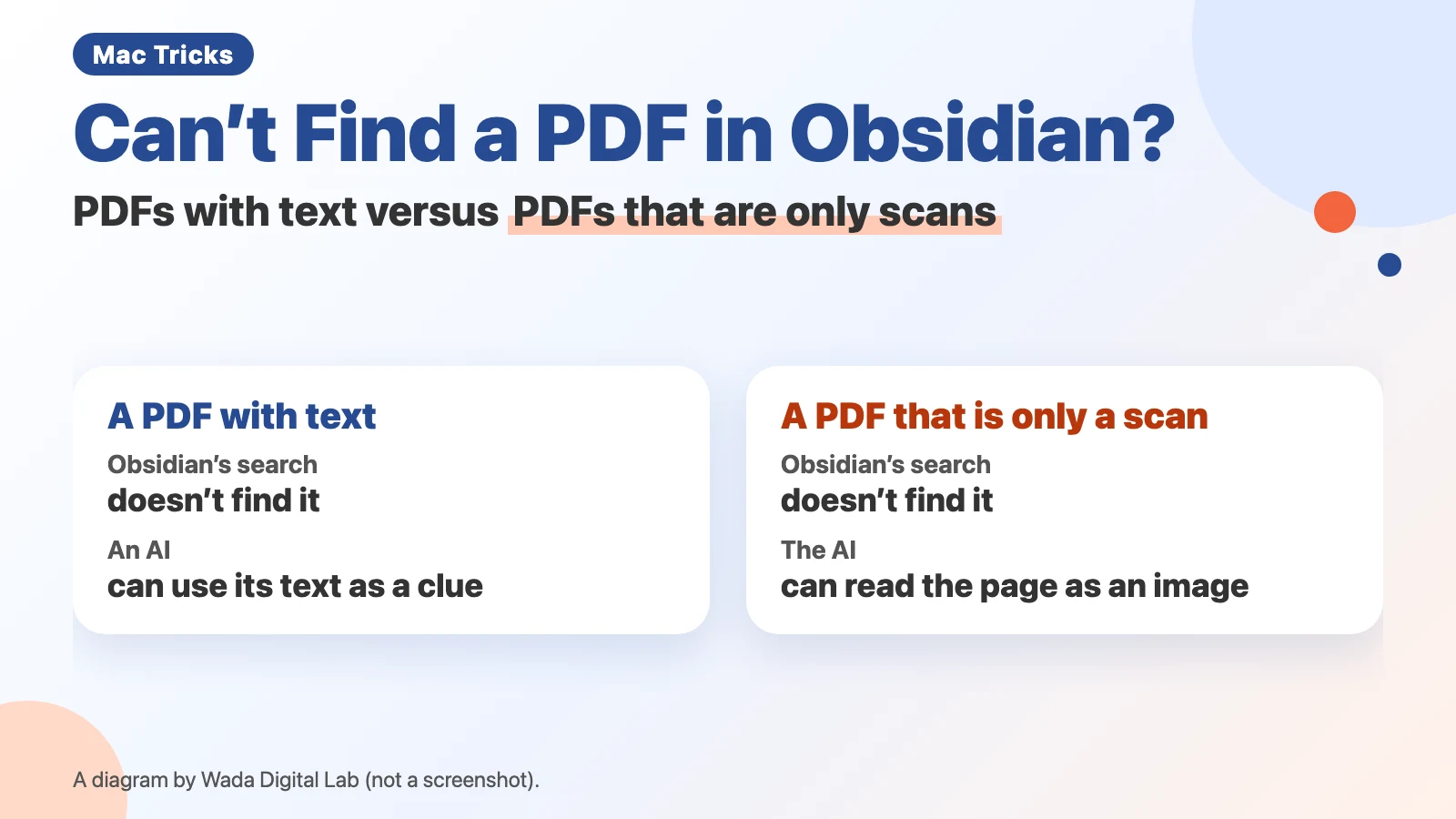 Can't find a PDF in Obsidian? Ask an AI — PDFs with text versus PDFs that are only scans
Articles by topic
Desktop and Dock
-
How to Make Text Bigger on a Mac — Everything on the Screen, Certain Apps, and Shortcuts
-
macOS 27 New Features You Might Miss — The Liquid Glass Slider, Notes Dividers, and Photo Ratings
-
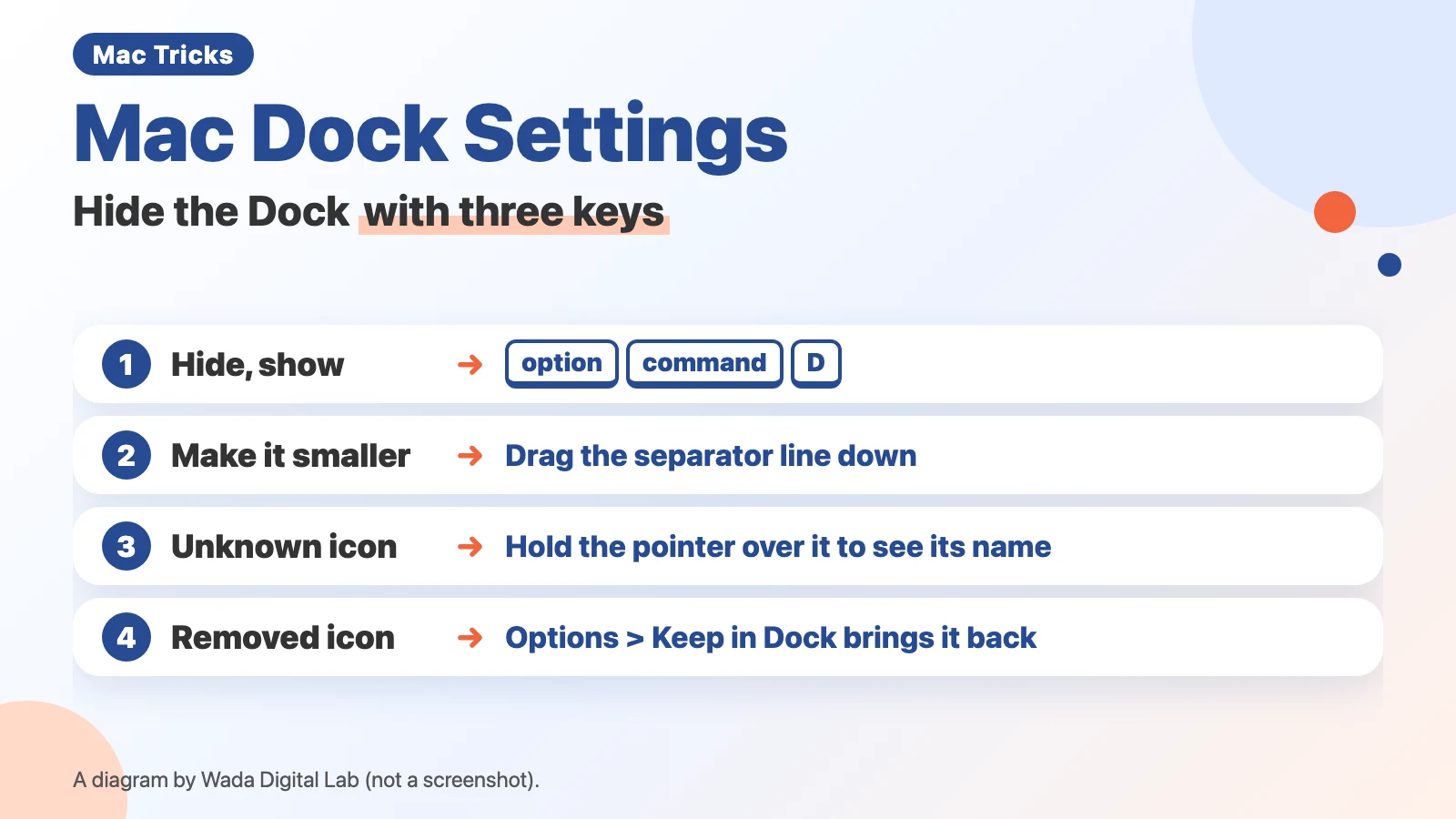 Mac Dock Settings — Hide the Dock with Three Keys
See all in Desktop and Dock (4 articles)
Screenshots and screen recording
-
How to Screenshot on a Mac — 4 Keyboard Shortcuts and Where Your Screenshots Go
-
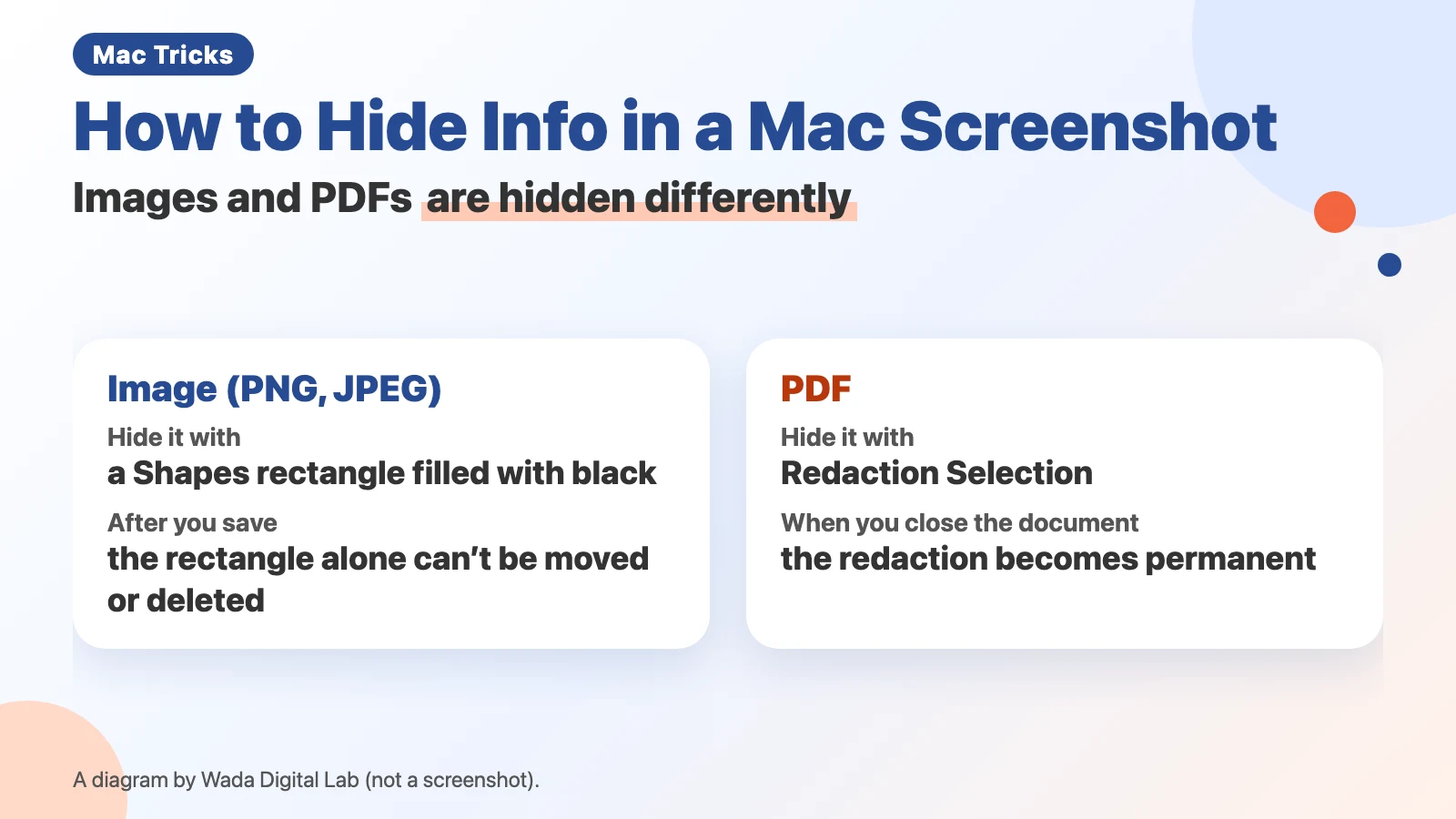 How to hide info in a Mac screenshot — cover it in Preview, and redact PDFs instead
-
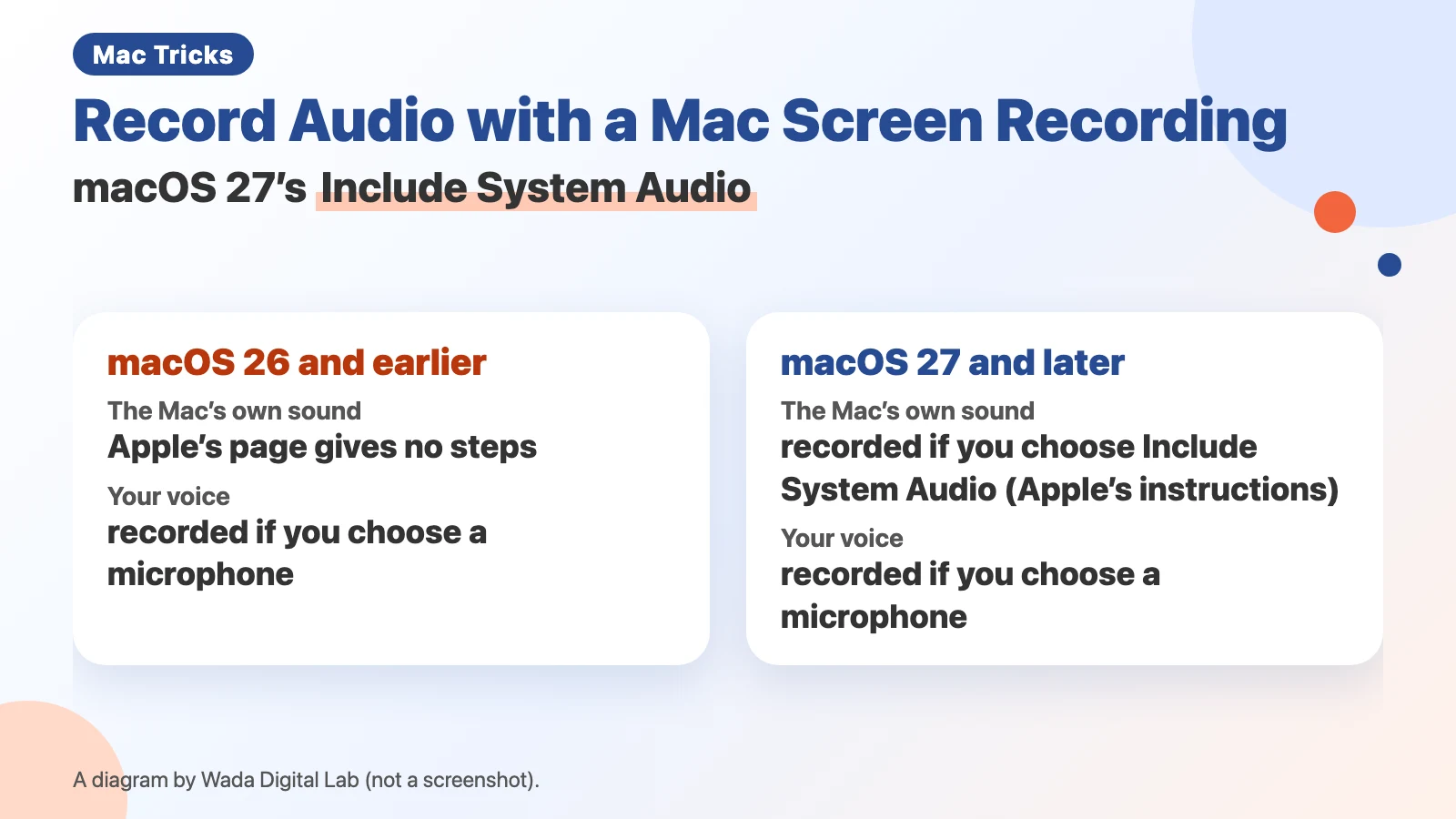 How to record audio with a Mac screen recording — Include System Audio in macOS 27
See all in Screenshots and screen recording (9 articles)
Mac basics
-
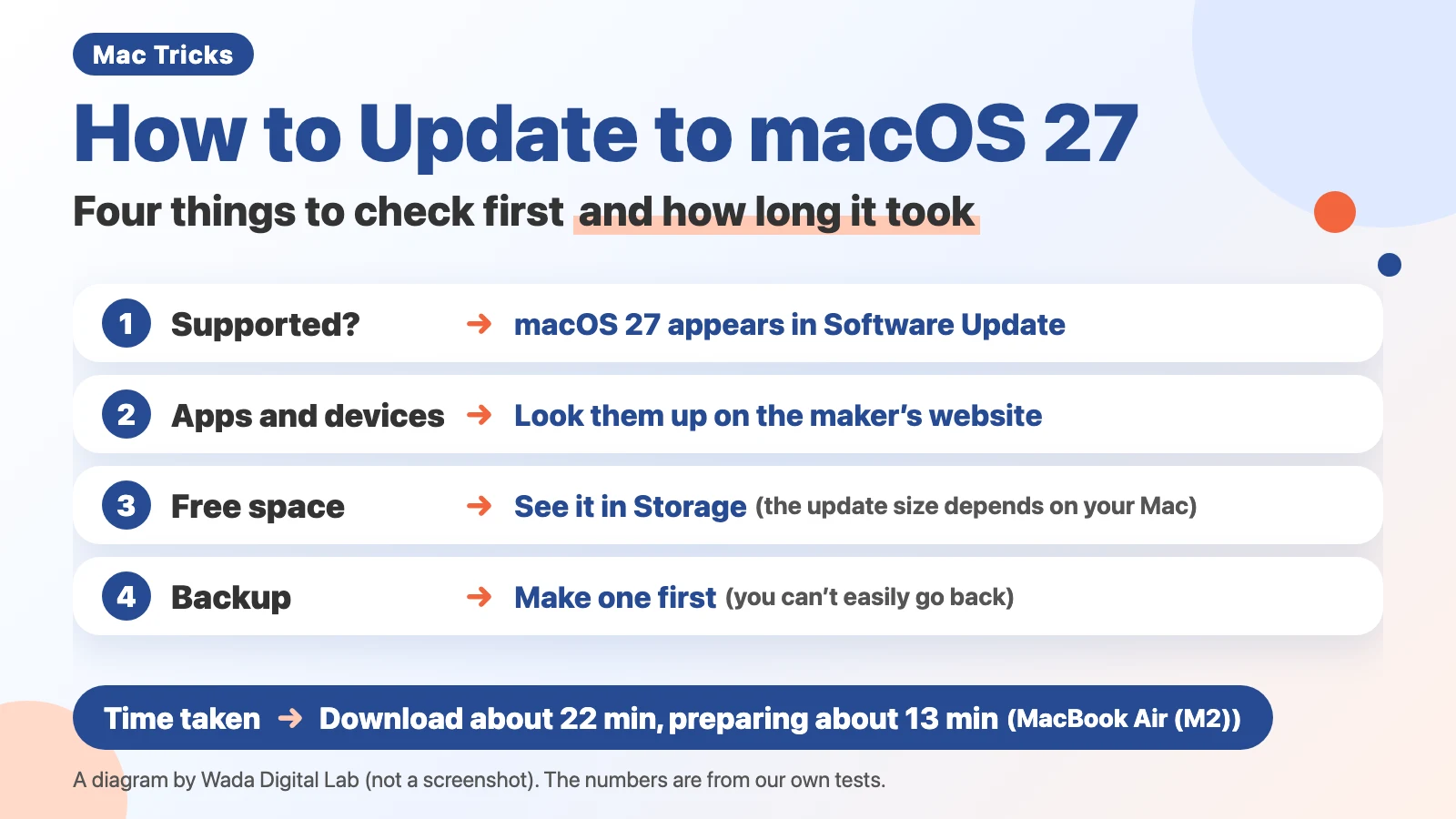 How to Update to macOS 27 — Four Things to Check First and How Long It Took
-
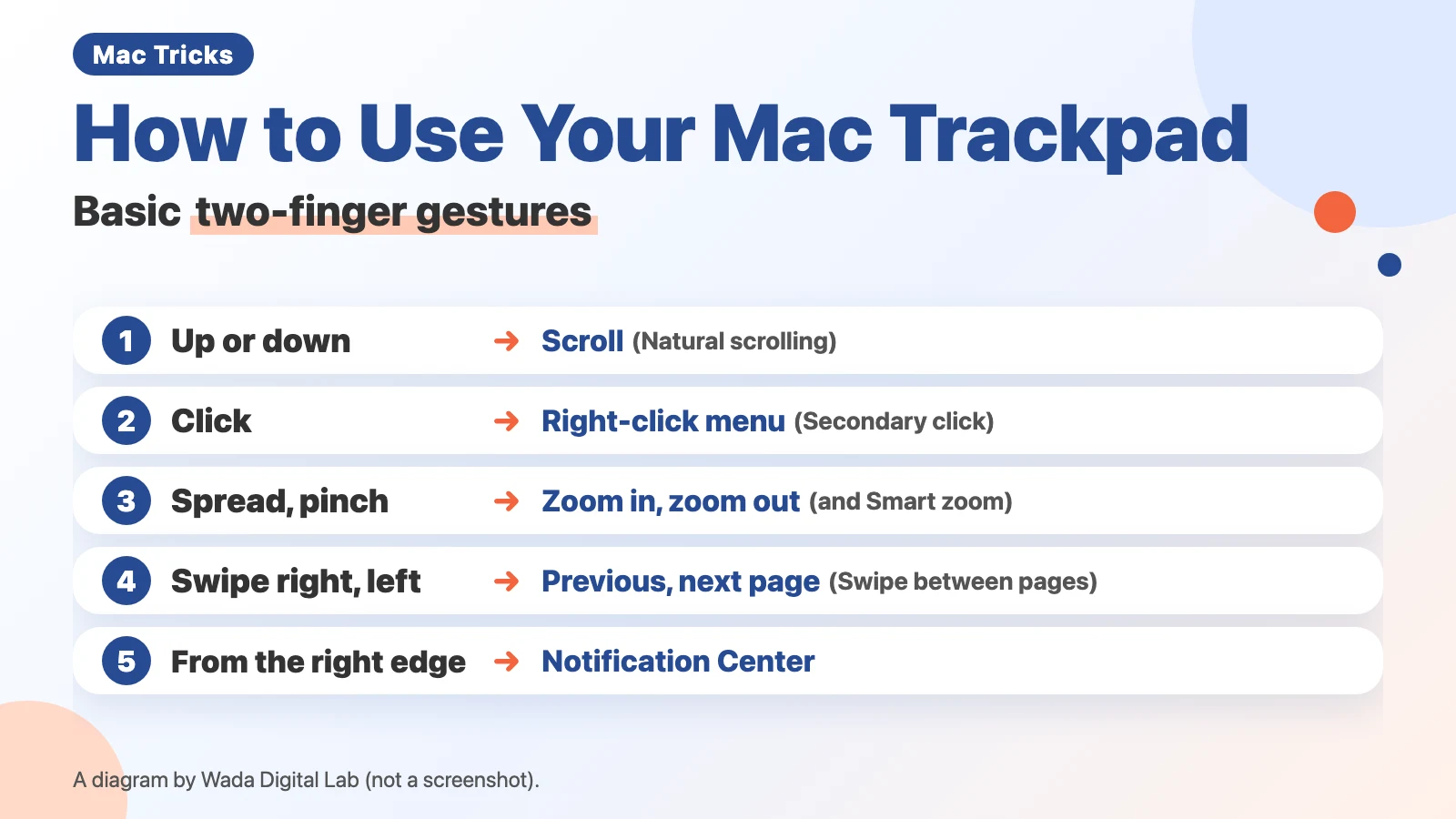 How to Use Your Mac Trackpad — Basic Two-Finger Gestures
See all in Mac basics (2 articles)
Files and folders
-
How to Use Time Machine on Mac — Back Up and Restore Deleted Files
-
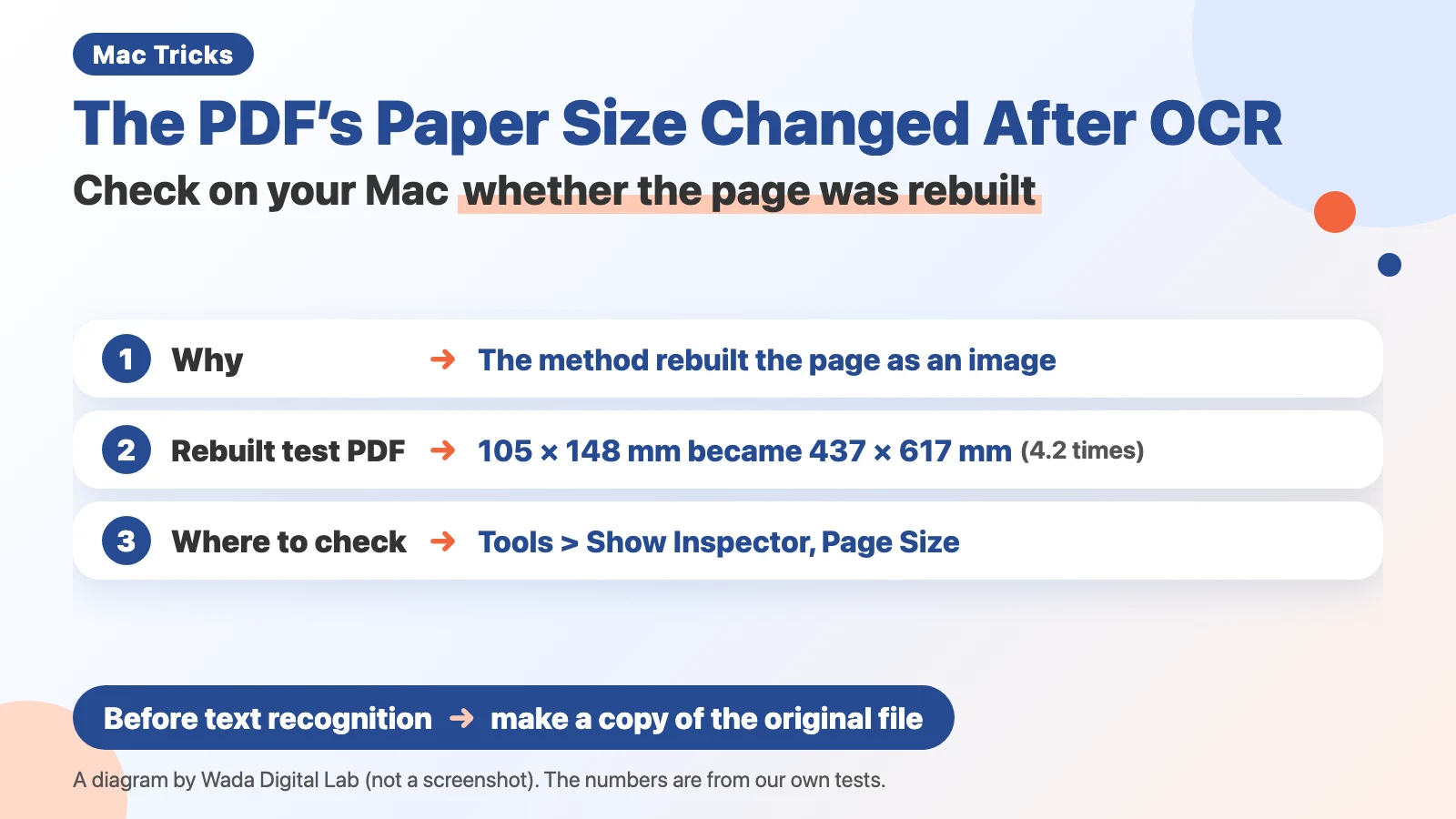 The PDF's paper size changed after OCR — check on your Mac whether the page was rebuilt
-
 Can't copy text from a scanned PDF — why it happens, and how to fix it
See all in Files and folders (3 articles)
Privacy and security
-
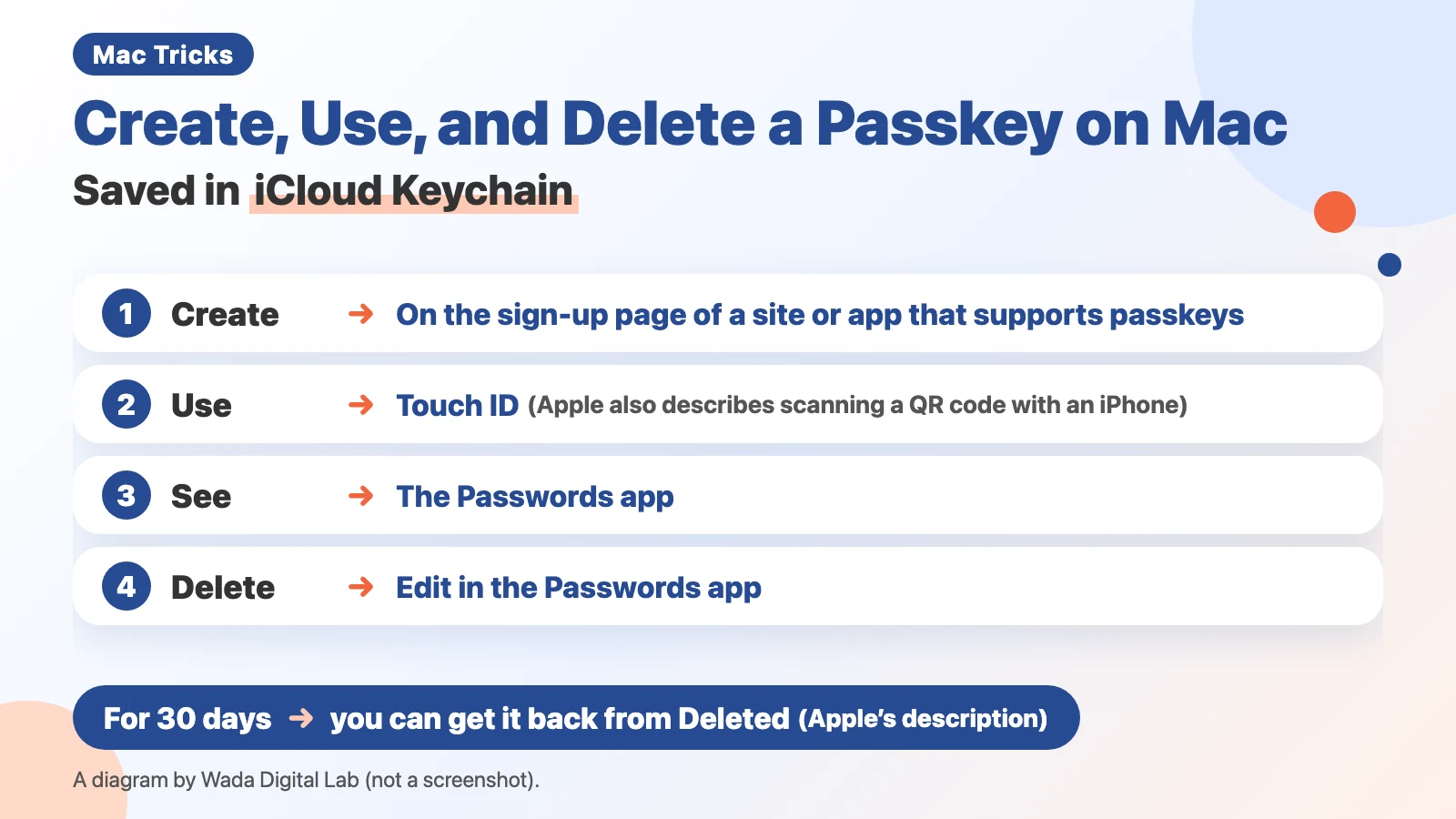 How to Create, Use, and Delete a Passkey on Mac — Saved in iCloud Keychain, Deleted in the Passwords App
-
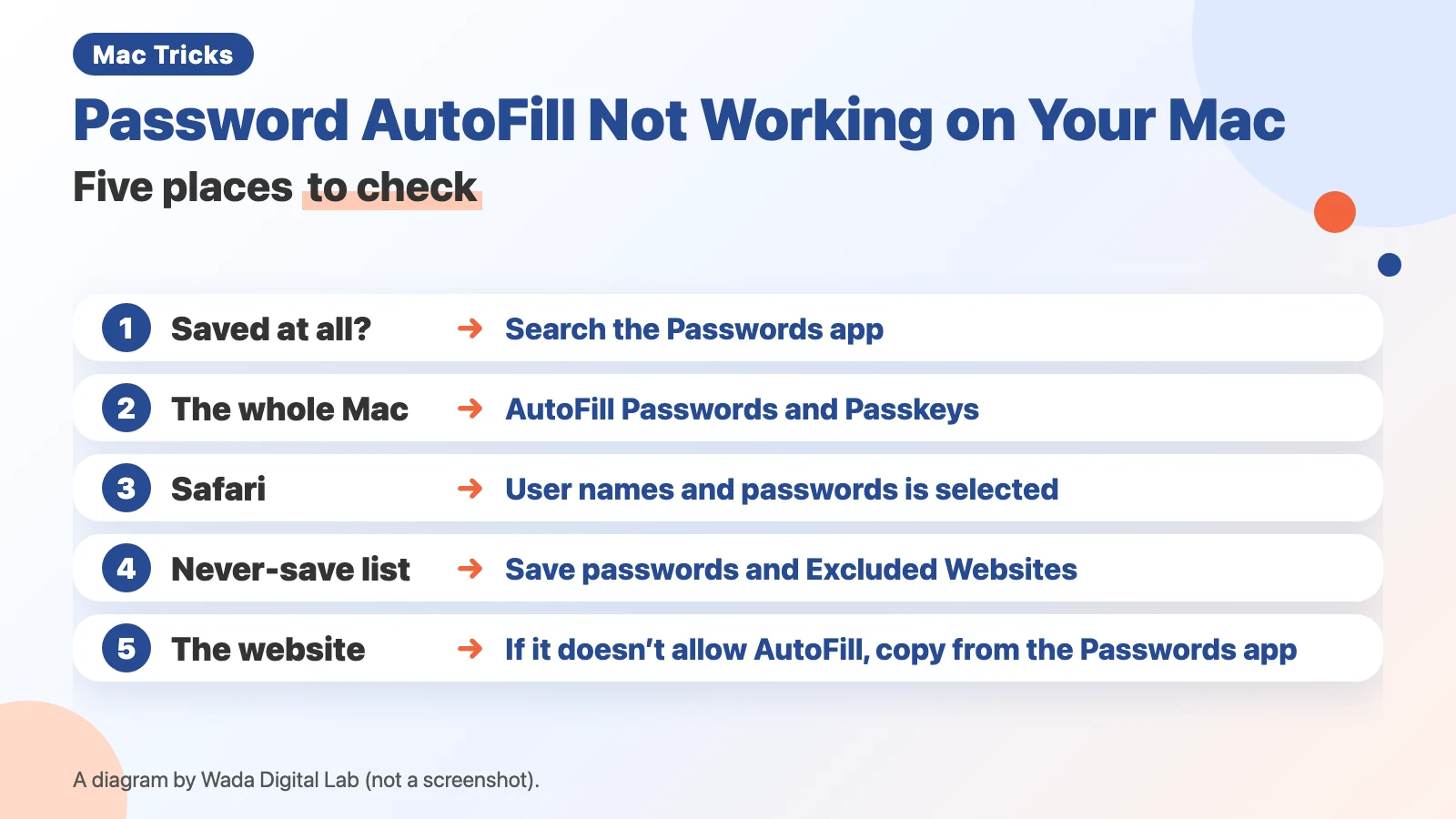 Password AutoFill not working on your Mac — five places to check
-
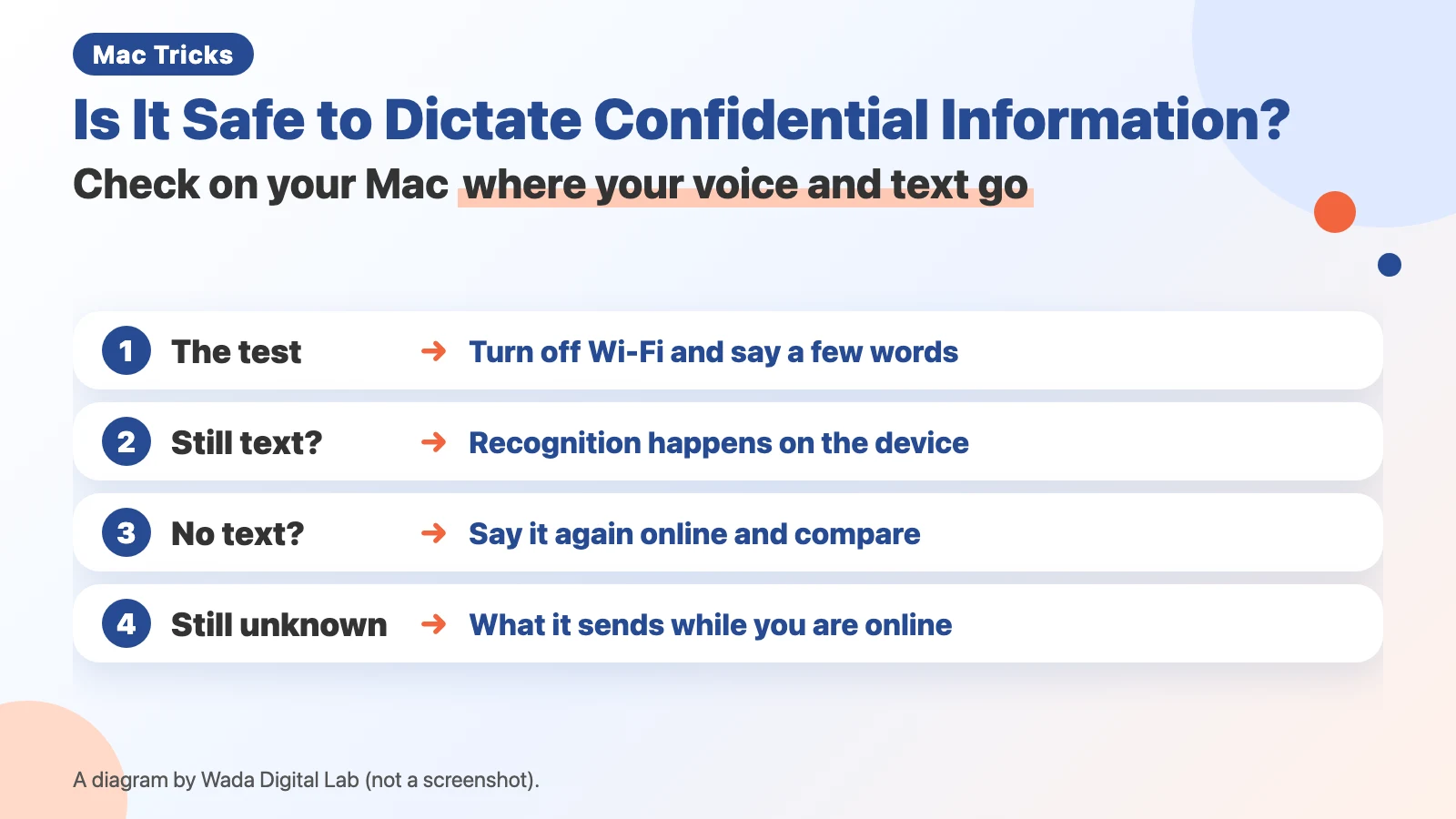 Is it safe to dictate confidential or personal information? — Check on your Mac where your voice and text go
See all in Privacy and security (3 articles)
Accessories and hardware
-
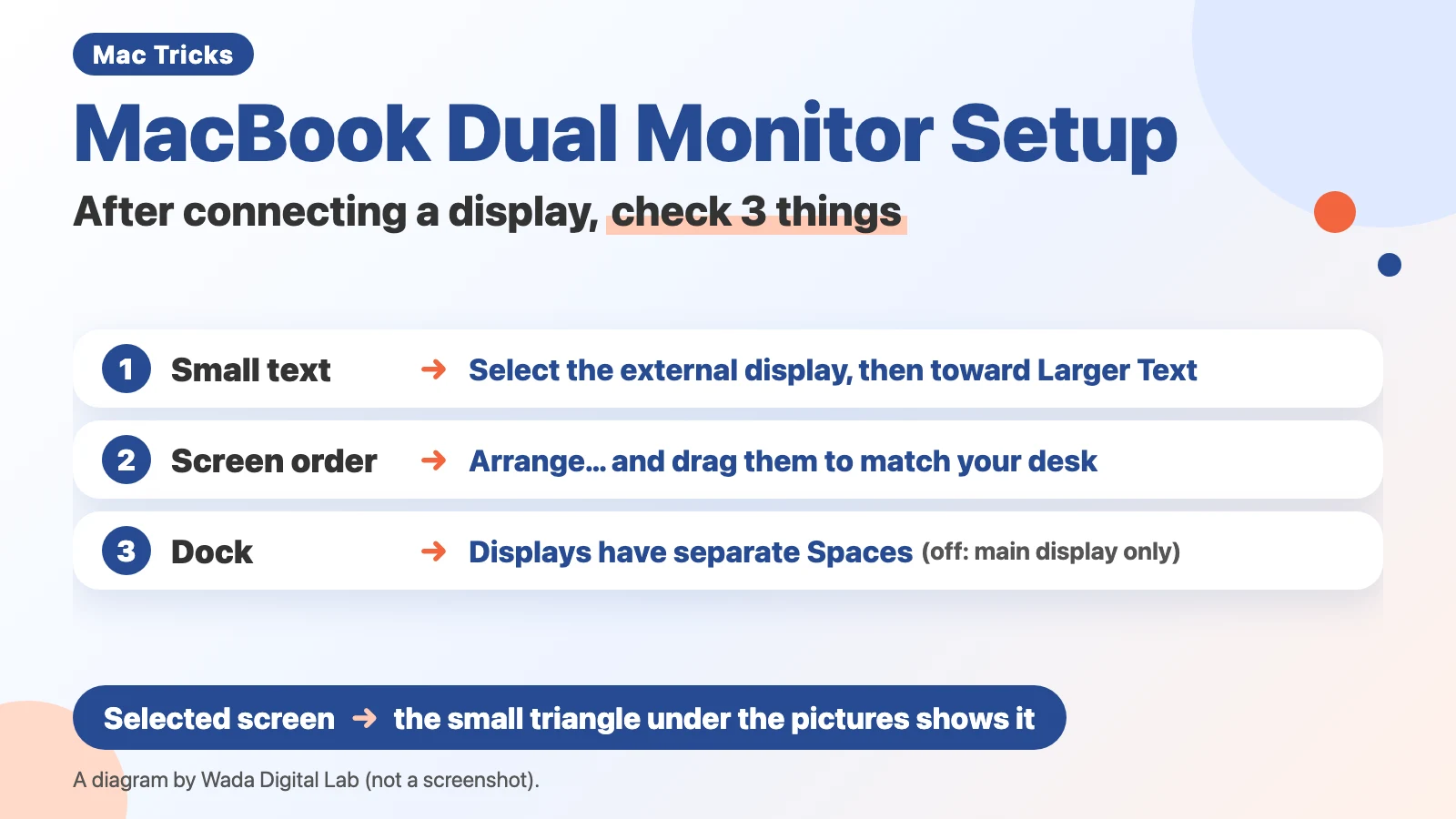 MacBook Dual Monitor Setup — 3 Things to Check After Connecting an External Display
-
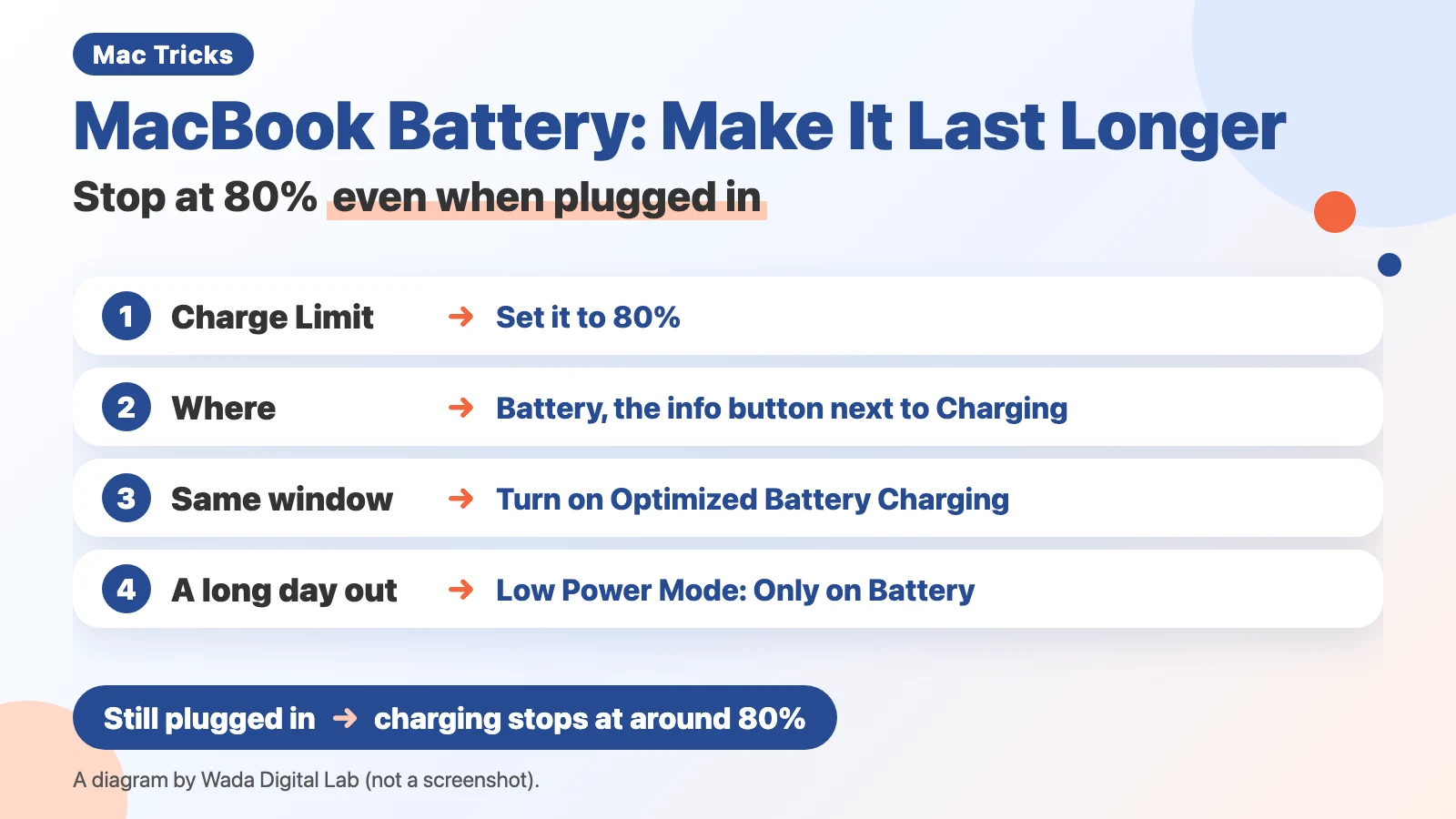 MacBook Battery: Make It Last Longer — Stop at 80% Even When Plugged In
See all in Accessories and hardware (2 articles)
Using Obsidian
-
Using Obsidian with Claude Code — three rules from two and a half months of letting AI write our notes
-
Can't find a PDF in Obsidian? Ask an AI — PDFs with text versus PDFs that are only scans
-
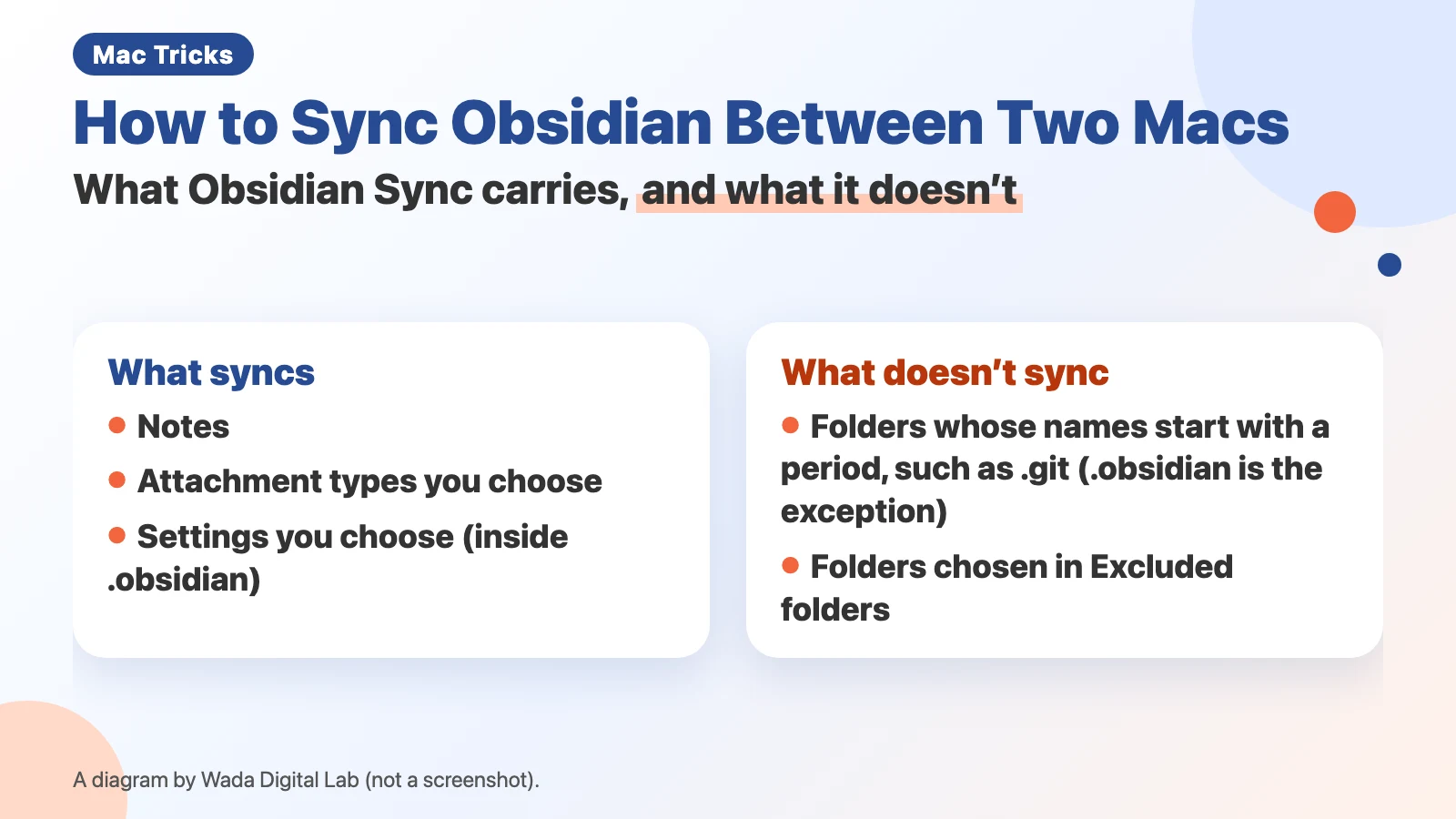 How to sync Obsidian between two Macs — Obsidian Sync or iCloud, and keeping a folder on one Mac
See all in Using Obsidian (4 articles)
Mac Troubleshooting DictionaryLook up the problem, find the fix
About Wada Digital LabHow we write and check our articles
All browser toolsImages, PDFs and audio, on one page
HEIC to JPG ConverterTurn iPhone photos into JPGs, many at once
Compress ImagesMake photos smaller, many at once
Resize ImagesChange the size of photos, many at once
Blur ScreenshotsHide personal details, point things out
Convert to MP3Recordings and video audio, many at once
PNG to JPG ConverterJPG to PNG too, many at once
WebP to JPG ConverterPNG too, many at once
Merge PDF FilesCombine PDFs and images into one
Split PDFOne PDF per page, or by page range
Compress PDFMake PDFs smaller, many at once
Image to TextExtract text from photos and screenshots (OCR)