Screen recording
How to record your Mac screen: include sound, make a GIF, or zoom in where you click.
3 articles · Last updated November 25, 2026
-
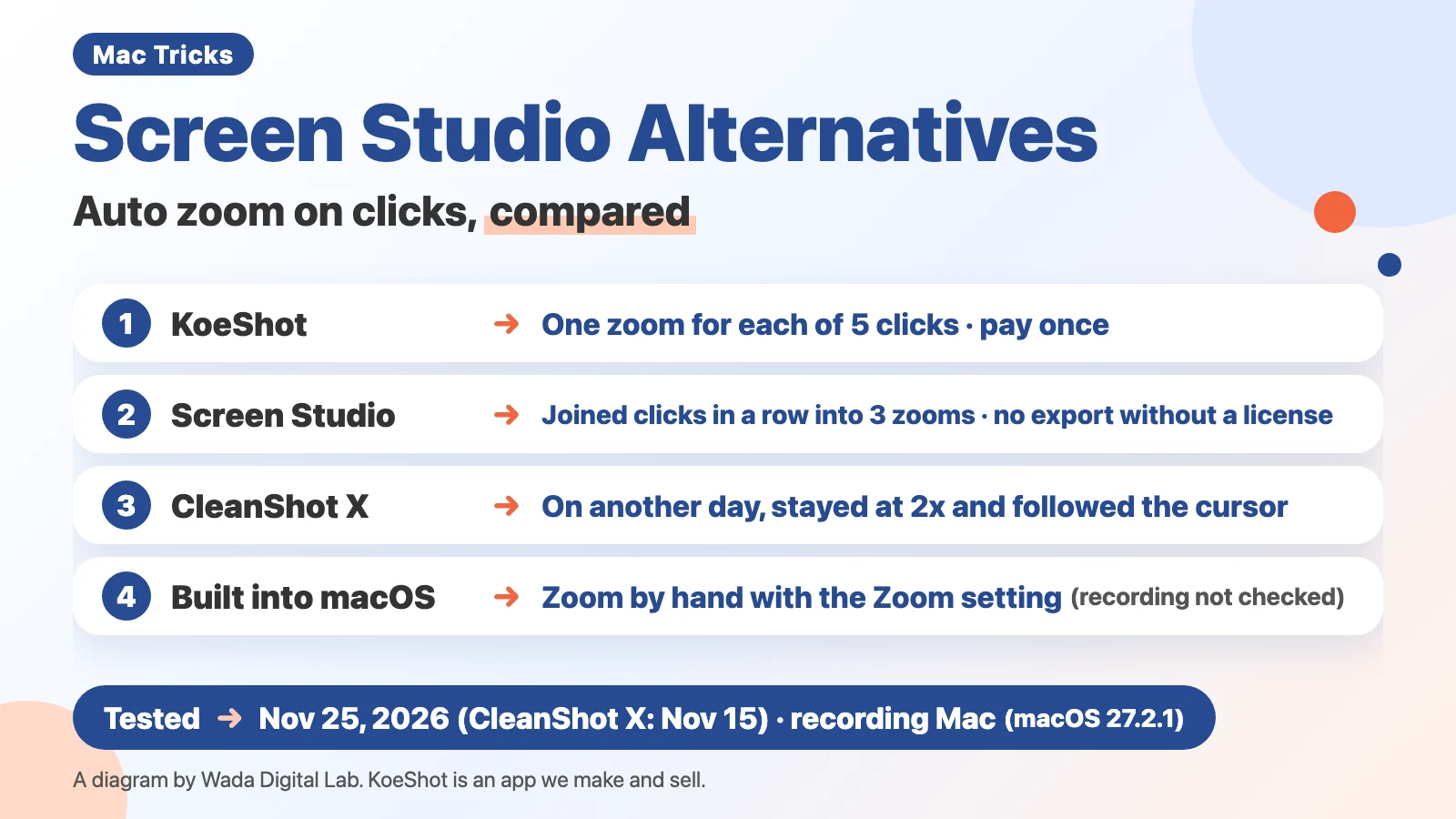 Screen Studio Alternatives for Mac — Auto Zoom on Clicks, Tested with KoeShot and CleanShot X
New buyers subscribe to Screen Studio. On 5 clicks, KoeShot zoomed 5 times, Screen Studio 3. CleanShot X: another day.
-
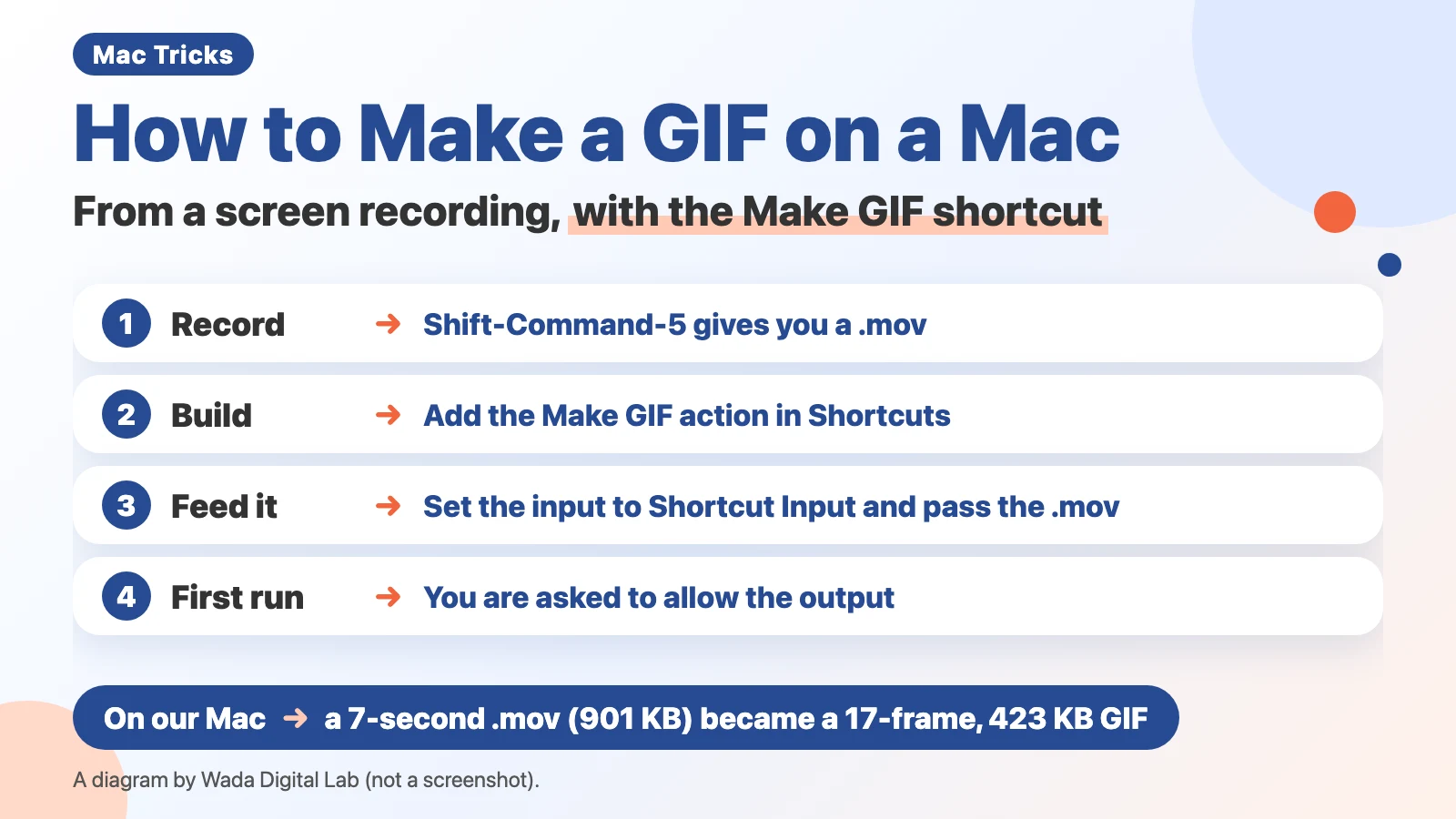 How to Make a GIF on a Mac from a Screen Recording — The Make GIF Shortcut, Nothing to Install
Make a GIF on a Mac from a screen recording with the Make GIF action in Shortcuts. Its three options and our file sizes.
-
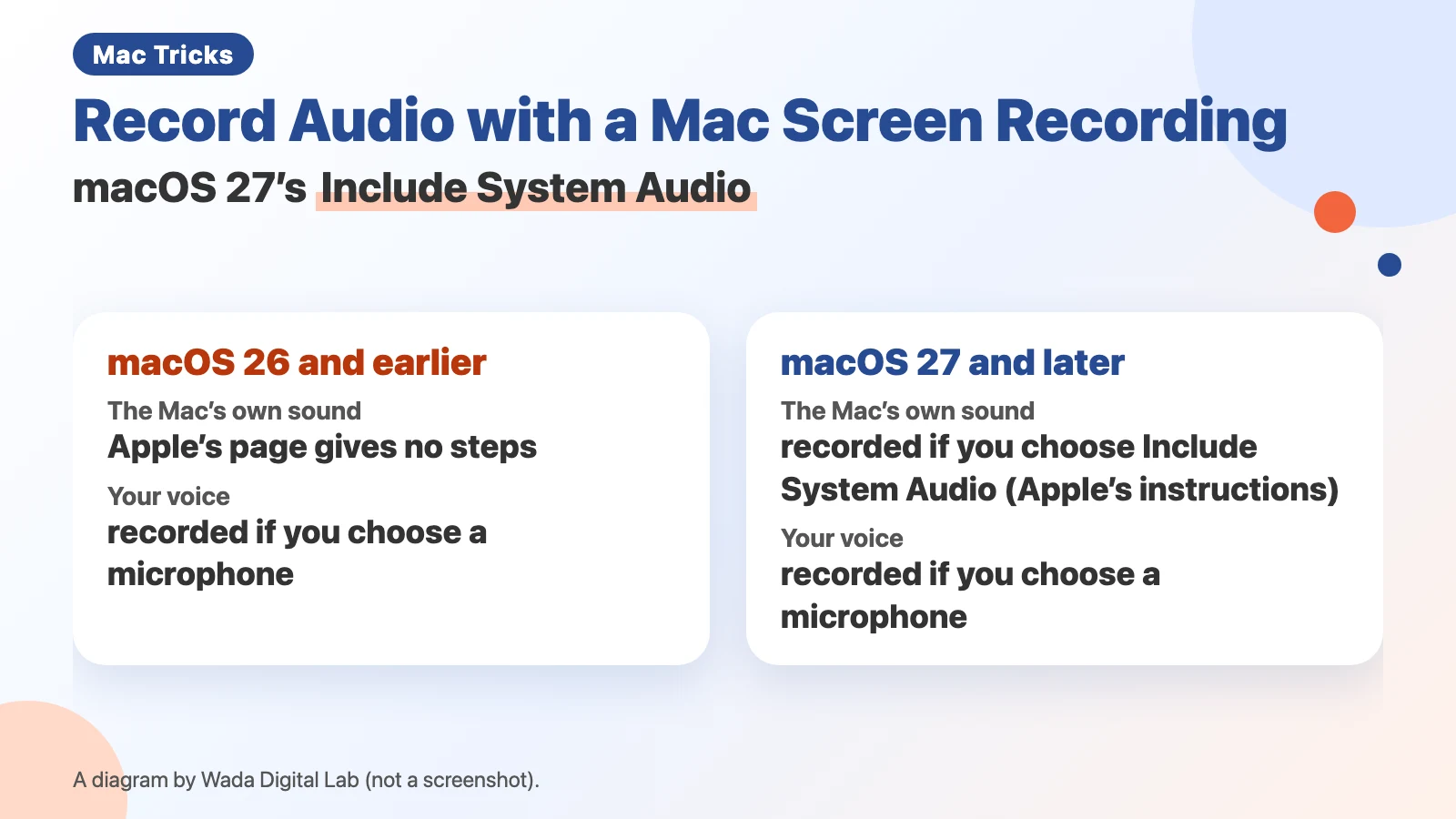 How to record audio with a Mac screen recording — Include System Audio in macOS 27
In macOS 27, Apple says to choose Include System Audio under Options to record the Mac's own sound.
Other topics
Mac Troubleshooting DictionaryLook up the problem, find the fix
Mac Keyboard ShortcutsSearch by task, with a free printable PDF
Mac Screenshot Shortcuts11 keys for screenshots and recording, with a free PDF
Mac Finder Shortcuts21 keys for files and folders, with a free PDF
Mac Text Editing Shortcuts23 keys for moving, selecting, deleting and formatting text, with a free PDF
About Wada Digital LabHow we write and check our articles
All browser toolsImages, PDFs and audio, on one page
HEIC to JPG ConverterTurn iPhone photos into JPGs, many at once
Compress ImagesMake photos smaller, many at once
Resize ImagesChange the size of photos, many at once
Blur ScreenshotsHide personal details, point things out
Convert to MP3Recordings and video audio, many at once
PNG to JPG ConverterJPG to PNG too, many at once
WebP to JPG ConverterPNG too, many at once
Merge PDF FilesCombine PDFs and images into one
Split PDFOne PDF per page, or by page range
Compress PDFMake PDFs smaller, many at once
PDF to TextExtract text from scanned PDFs (OCR)
Image to TextExtract text from photos and screenshots (OCR)
X Character CounterCheck if your post fits in 280