PDFs and scanning
Fixes for PDFs and scanned paper on your Mac, such as combining PDFs, redacting, and OCR for scanned documents.
2 articles · Last updated October 17, 2026
-
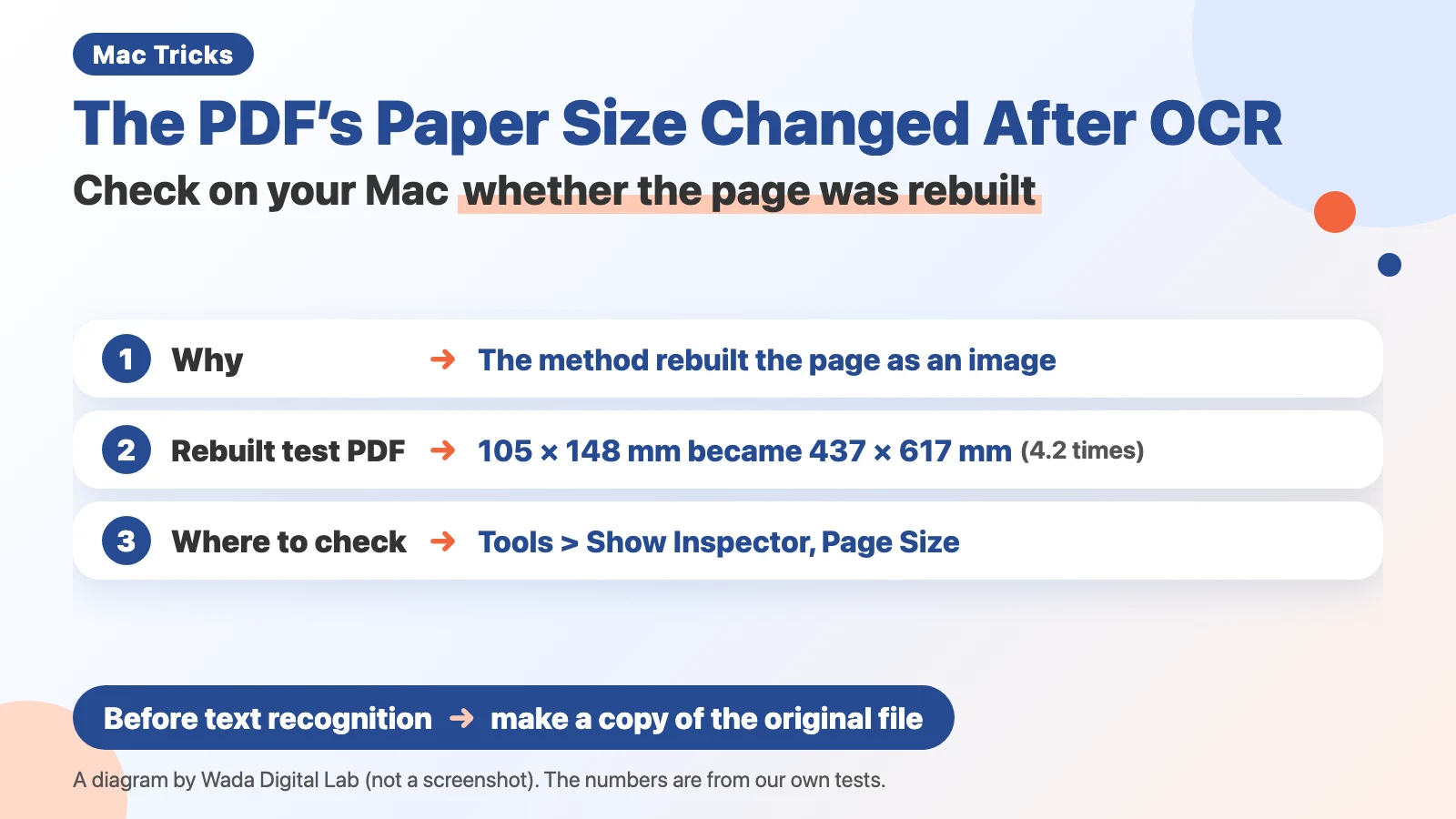 The PDF's paper size changed after OCR — check on your Mac whether the page was rebuilt
OCR can rebuild a scanned page and change the PDF's paper size. Check Page Size in Preview, and copy the original first.
The PDF's paper size changed after OCR — check on your Mac whether the page was rebuilt
OCR can rebuild a scanned page and change the PDF's paper size. Check Page Size in Preview, and copy the original first.
-
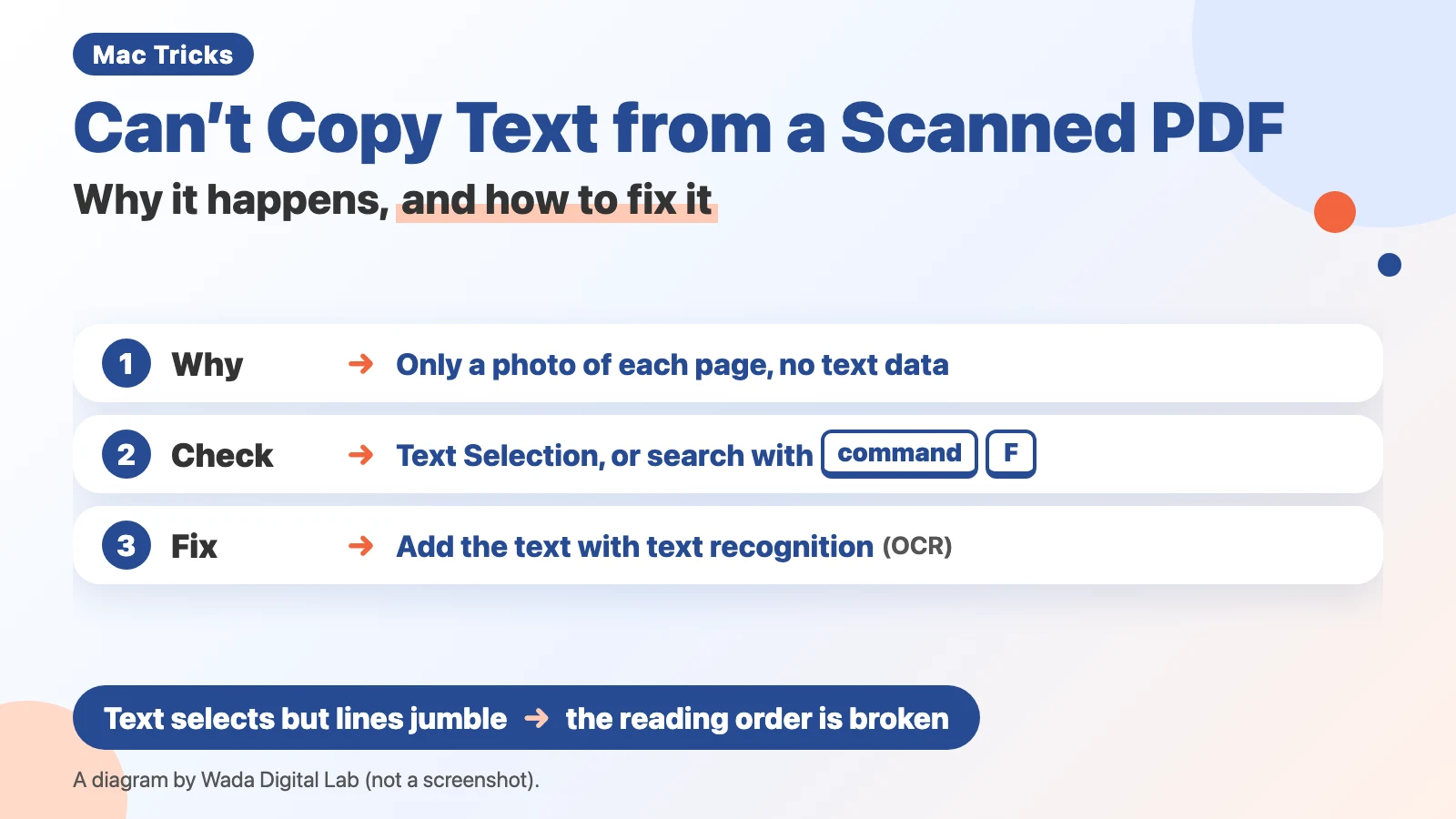 Can't copy text from a scanned PDF — why it happens, and how to fix it
A scanned PDF saved without OCR holds only a photo of each page. Check it in Preview, and add the text later.
Can't copy text from a scanned PDF — why it happens, and how to fix it
A scanned PDF saved without OCR holds only a photo of each page. Check it in Preview, and add the text later.
Other topics
Mac Troubleshooting DictionaryLook up the problem, find the fix
About Wada Digital LabHow we write and check our articles
All browser toolsImages, PDFs and audio, on one page
HEIC to JPG ConverterTurn iPhone photos into JPGs, many at once
Compress ImagesMake photos smaller, many at once
Resize ImagesChange the size of photos, many at once
Blur ScreenshotsHide personal details, point things out
Convert to MP3Recordings and video audio, many at once
PNG to JPG ConverterJPG to PNG too, many at once
WebP to JPG ConverterPNG too, many at once
Merge PDF FilesCombine PDFs and images into one
Split PDFOne PDF per page, or by page range
Compress PDFMake PDFs smaller, many at once
Image to TextExtract text from photos and screenshots (OCR)