CPU and heat
Fixes for CPU and heat problems on a Mac, such as reading CPU usage, kernel_task, a hot MacBook Air and a loud fan.
4 articles · Last updated November 12, 2026
-
 How to Check CPU Usage on a Mac — Why % CPU Goes Over 100% in Activity Monitor
Check CPU usage in Activity Monitor’s CPU tab. % CPU goes over 100% because one core counts as 100% (macOS 27).
-
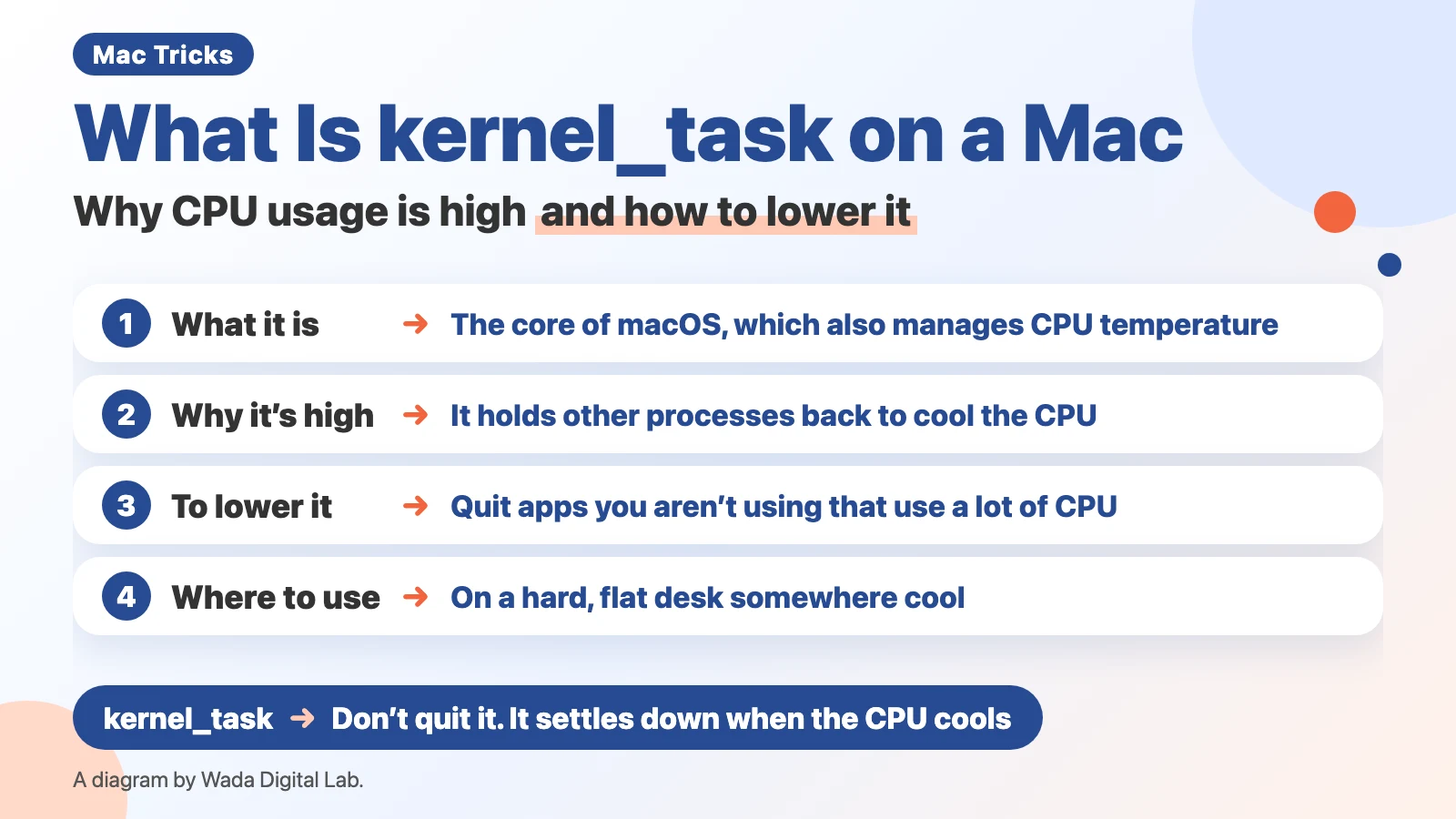 What Is kernel_task on a Mac — Why CPU Usage Is High and How to Lower It
kernel_task helps manage CPU temperature. Its CPU usage is high because it holds other processes back. How to lower it.
-
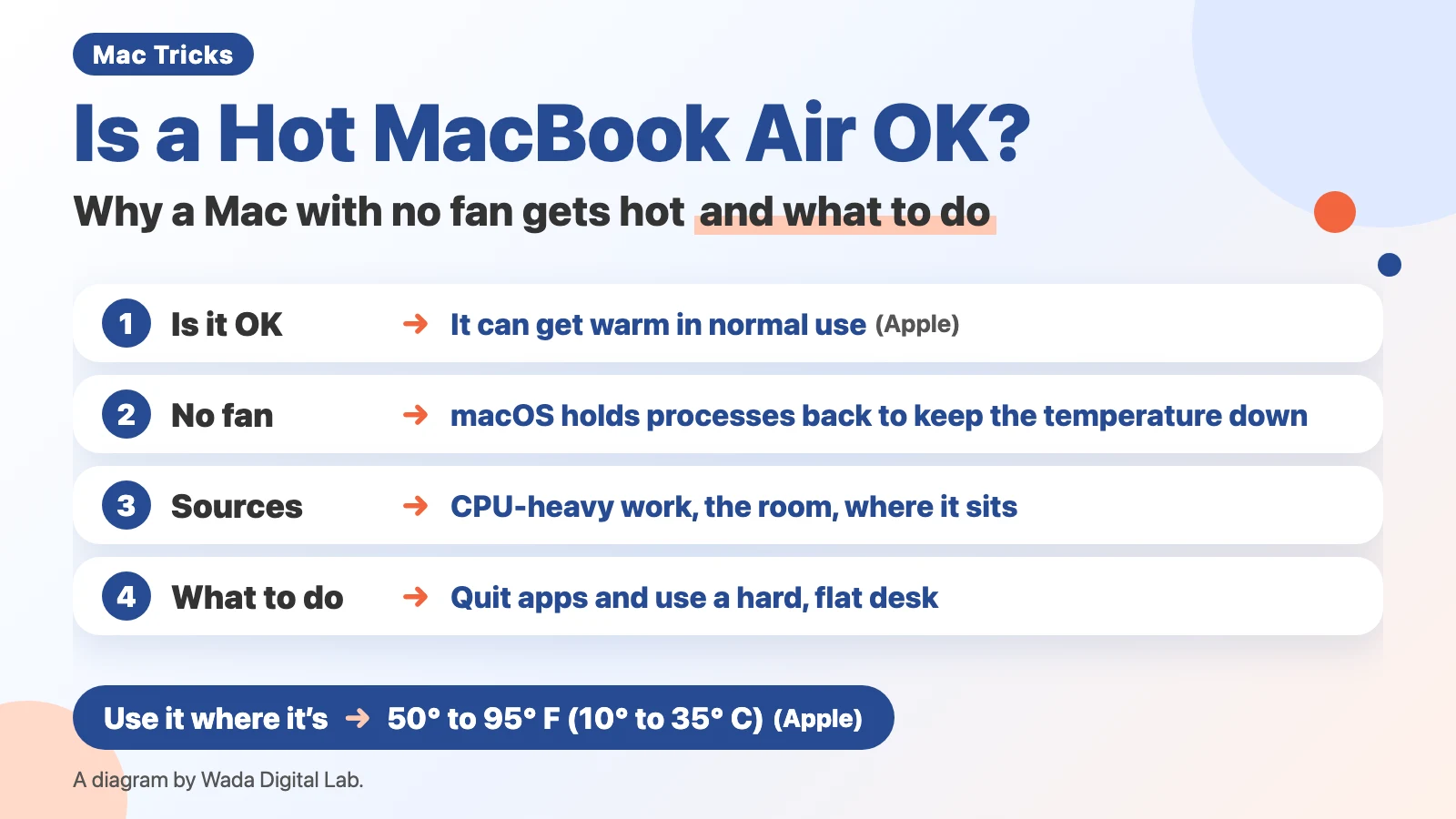 Is a Hot MacBook Air OK? — Why a Mac With No Fan Gets Hot and What to Do
A MacBook Air can get warm in normal use. With no fan, macOS holds processes back to cool it (macOS 27).
-
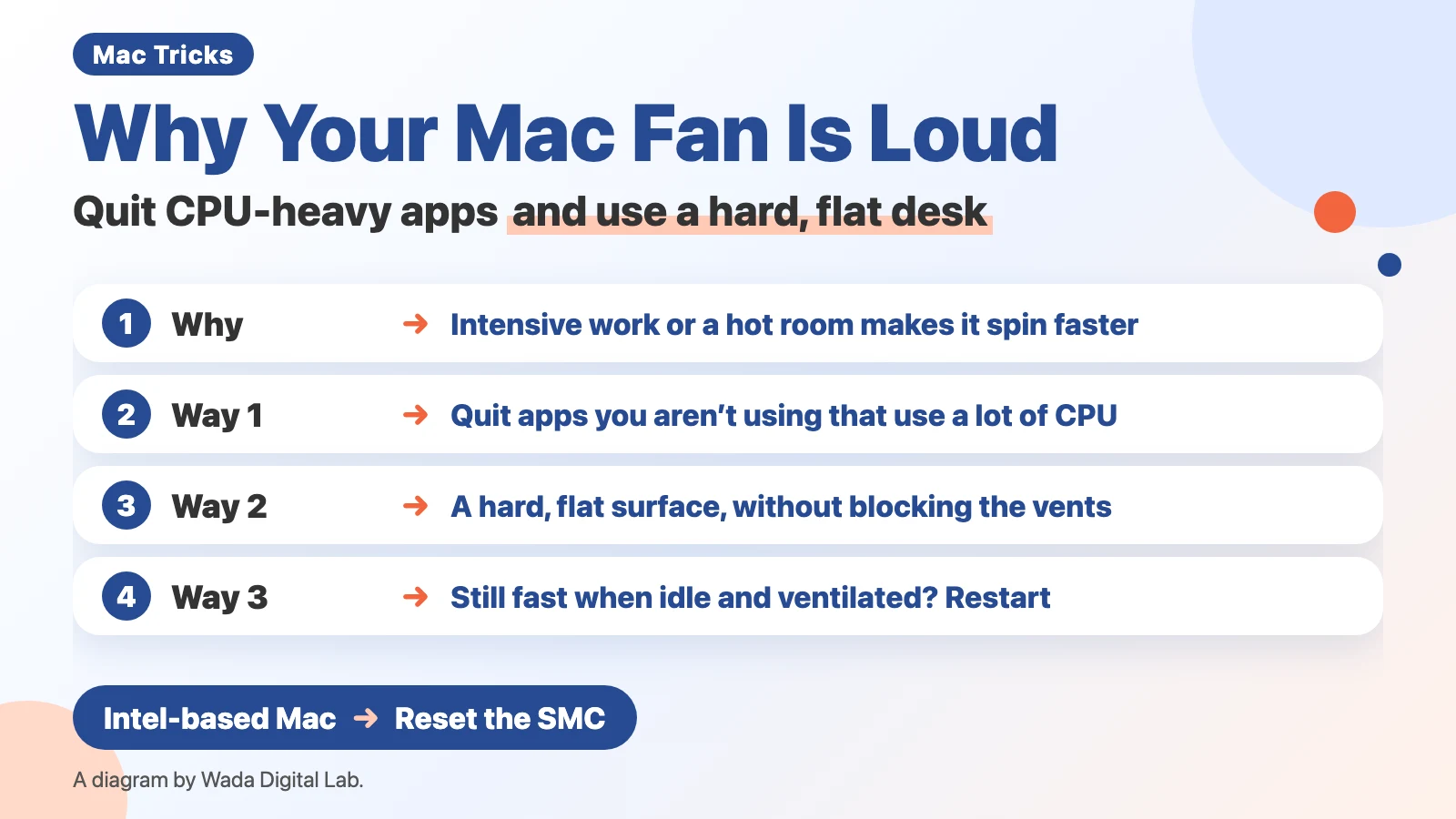 Why Your Mac Fan Is Loud and How to Quiet It — Quit CPU-Heavy Apps and Use a Hard, Flat Desk
Mac fans spin faster for heavy work or a hot room. Quit CPU-heavy apps and use a hard, flat desk (macOS 27).
Other topics
Mac Troubleshooting DictionaryLook up the problem, find the fix
About Wada Digital LabHow we write and check our articles
All browser toolsImages, PDFs and audio, on one page
HEIC to JPG ConverterTurn iPhone photos into JPGs, many at once
Compress ImagesMake photos smaller, many at once
Resize ImagesChange the size of photos, many at once
Blur ScreenshotsHide personal details, point things out
Convert to MP3Recordings and video audio, many at once
PNG to JPG ConverterJPG to PNG too, many at once
WebP to JPG ConverterPNG too, many at once
Merge PDF FilesCombine PDFs and images into one
Split PDFOne PDF per page, or by page range
Compress PDFMake PDFs smaller, many at once
PDF to TextExtract text from scanned PDFs (OCR)
Image to TextExtract text from photos and screenshots (OCR)
X Character CounterCheck if your post fits in 280